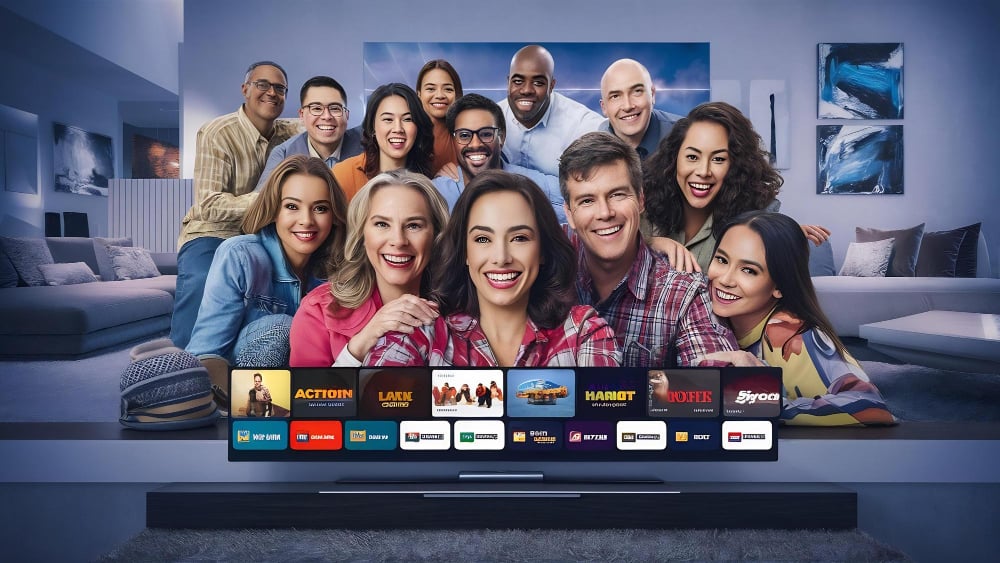
French households are ditching old-school cable bundles and rigid TV schedules for a cheaper, choose-your-own-adventure alternative: IPTV, or Internet Protocol Television.
The pitch is simple, and seductive. For just a few euros a month (often roughly $5 to $15), many IPTV subscriptions claim to unlock thousands of live channels, on-demand movies and series, and big-ticket sports streams on nearly any screen you own. But with so many services flooding the market, picking the right one, and avoiding the sketchy ones, can be harder than it looks.
Here’s what’s driving IPTV’s boom in France, what to look for before you pay, and how to set it up so your stream doesn’t freeze right when the game gets good.
What IPTV is, and why it’s taking off in France
IPTV delivers television over the same internet connection you use for Netflix, YouTube, and Zoom. Instead of relying on satellite dishes, cable lines, or over-the-air antennas, IPTV streams channels and on-demand libraries through IP networks.
That shift has been for viewers who want more control. Many services offer far more channels than traditional TV packages, including international networks and niche programming that can be hard to find through standard providers.
Another big draw: on-demand video libraries. IPTV packages often bundle VOD access so viewers can watch movies and series whenever they want, not when a network schedule says so.
And quality matters. Many providers advertise HD, 1080p, and even 4K streams, plus the ability to watch on smart TVs, phones, tablets, computers, and streaming devices, turning any screen into a personal TV hub.
How to choose an IPTV subscription without making an expensive mistake
Not all IPTV services are built the same. Before you sign up, focus on a few make-or-break factors that determine whether you’ll get smooth streaming, or constant frustration.
Start with the content: channels, sports, and on-demand libraries
The first question is obvious: does it actually carry what you want to watch? A strong IPTV package should include a broad mix of local and national channels, plus international options if you’re looking for programming beyond your home market.
For on-demand, check whether the VOD library is large and updated frequently. The best services refresh their catalogs with newer movies, current series, and complete seasons, not just a dusty archive.
If live sports are the hook, look closely at what’s included. Some services promote pay-per-view-style access to specific events, while others focus on broad sports coverage. Don’t assume “sports included” means the leagues you care about.
Streaming quality and reliability: the buffering test
Nothing kills IPTV faster than pixelated video and constant buffering. Look for providers with a track record of stable streams, especially during peak hours when lots of people are watching.
Providers may promise HD, 1080p, or 4K, but the real-world experience depends on their infrastructure and how overloaded their servers get. User reviews can be useful here, especially comments about reliability during major live events.
Make sure it works on your devices
One reason IPTV has exploded is flexibility. Before you buy, confirm the service supports the devices you actually use, such as:
- Smart TVs (Samsung, LG, Sony, and others)
- Android TV boxes
- Streaming sticks and dongles (Amazon Fire TV Stick, Google Chromecast)
- iPhone/iPad and Android phones/tablets
- Laptops and desktops (via apps or web players)
- Some gaming consoles
Some providers offer dedicated apps that make setup easier and navigation cleaner. Others rely on generic players where the experience can feel clunky.
Customer support: the underrated dealbreaker
When IPTV goes sideways, you’ll want help fast. Look for services that offer responsive support, ideally 24/7, and multiple ways to reach them, like live chat and email.
A provider that can’t answer basic questions before you pay is unlikely to rescue you when your stream dies mid-show.
Pricing: cheap is good, until it’s too cheap
IPTV pricing varies widely, but many offers are marketed as “a few euros,” which typically translates to about $5 to $15 depending on the plan and the provider. Compare monthly, quarterly, and annual options, and see whether there’s a trial period or a money-back guarantee.
Be wary of deals that sound unreal. Rock-bottom pricing can signal unstable service, overloaded servers, or worse, an operation that may disappear overnight.
How to get smooth IPTV streaming at home
Even the best IPTV provider can’t overcome a weak home setup. Your internet connection and hardware will determine whether you get crisp video, or endless loading circles.
Internet speed: what you actually need
Because IPTV is entirely internet-based, your connection has to keep up. The French guide recommends these minimum speeds, which translate cleanly for U.S. households as well:
For HD streaming, plan on at least 8–10 Mbps. For 1080p, aim for 15–20 Mbps. For 4K, 25 Mbps or more is a safer bet.
But speed isn’t everything. Stability matters more than a flashy “up to” number. If possible, use a wired Ethernet connection instead of Wi-Fi, especially if your router is far from your TV or multiple devices are competing for bandwidth.
Hardware choices: smart TV apps vs. streaming boxes
Many smart TVs can run IPTV apps directly, but dedicated streaming hardware can improve performance. Android TV boxes, for example, often handle high-resolution streams more smoothly and offer broader app support.
On computers, media players like VLC can open IPTV playlist links. On phones and tablets, IPTV apps can provide a more TV-like interface than a browser stream.
Setup is usually simple, here’s how it works
Most IPTV services send login details after you subscribe. That might include an M3U playlist link, a username and password, or instructions for a specific app. Activation is often immediate.
On a smart TV, you typically download an IPTV app from the TV’s app store, enter your credentials, and let the channel list and VOD library populate.
On Android TV devices, users often install IPTV apps through Google Play and log in the same way. On phones and tablets, similar apps are available through Apple’s App Store and Google Play.
Most providers also publish step-by-step setup guides. If they don’t, that’s a red flag.
What you can watch: live channels, VOD libraries, and replay features
The main selling point is volume. IPTV subscriptions often advertise thousands of channels, far beyond what traditional bundles offer, ranging from national networks to international stations and specialized channels focused on movies, documentaries, kids’ programming, news, cooking, and travel.
Many packages also include massive on-demand libraries, sometimes with multiple language tracks and subtitles. For binge-watchers, that’s the real value: click and play, no schedule required.
Some services add replay features, letting you rewatch recently aired programs, along with live controls like pause and rewind. A few also offer recording options, depending on the platform.
The legality question: IPTV can be legit, or illegal
Here’s the line that matters: IPTV itself is just a technology. It’s legal when a provider has the rights to distribute the channels and content it sells.
But services that stream copyrighted programming without permission are illegal. In Europe, sports leagues and broadcasters have increasingly pushed crackdowns on unauthorized IPTV operations, and France is no exception.
For consumers, the safest move is choosing a reputable provider that’s transparent about licensing. If a service promises every premium channel on earth for pocket change, that’s usually not because they found a magical discount.
Before you subscribe, ask these three questions
First: can you test it? Many providers offer 24–48 hour trials or refund windows, use them to stress-test stream quality and channel availability.
Second: how many devices can stream at once? Some plans allow only one connection; others allow two, three, or more. If you’ve got a household full of screens, that detail matters.
Third: how often is the catalog updated? A good service keeps channels working, fixes broken links, and refreshes the VOD library regularly.
What this shift means for the future of TV
In France, IPTV is increasingly positioned as the anti-cable: cheaper, more flexible, and built for a world where viewers expect entertainment on demand and on every device.
But the same marketplace that makes IPTV appealing, fast, crowded, and lightly standardized, also makes it risky. For consumers, the next phase won’t just be about getting more channels. It’ll be about finding services that are reliable, transparent, and built to last.
| Catégorie de Contenu | Description typique | Avantages pour l’utilisateur |
|---|---|---|
| Chaînes TV en direct | Des milliers de chaînes nationales et internationales, généralistes et thématiques. | Accès instantané à un large éventail de programmes en temps réel. |
| Vidéothèque (VOD) | Vaste collection de films et séries, souvent en HD/4K, avec mises à jour régulières. | Regarder à la demande, sans contrainte d’horaire, sur différents appareils. |
| Contenus sportifs | Diffusion en direct des événements sportifs majeurs, matchs, compétitions. | Ne manquer aucun moment clé de vos sports préférés, accès aux PPV. |
| Replay et contrôle du direct | Possibilité de revoir des émissions passées, de mettre en pause ou de revenir en arrière. | Flexibilité maximale pour gérer votre temps de visionnage. |